Kestra Notion Plugin
A complete Notion integration for Kestra's workflow orchestration platform. Built end-to-end from Java implementation to QA, enabling seamless database operations and content management within workflows.
Overview
The Kestra Notion Plugin represents a complete integration between Kestra's workflow orchestration platform and Notion's powerful API. Unlike many plugin development projects where I focus on design or product direction, this project required full technical ownership—I wrote every line of Java code, implemented all API integrations, and conducted comprehensive QA testing.
This plugin enables Kestra users to automate Notion operations within their data workflows: creating pages from workflow outputs, reading content for processing, updating documentation programmatically, and archiving obsolete pages. It bridges the gap between operational workflows and team documentation, allowing teams to maintain living documentation that stays synchronized with their data pipelines.
The Challenge
Building a production-grade plugin for Kestra required addressing several technical challenges:
- •API Complexity: Notion's API has intricate data structures for blocks, pages, and databases. The plugin needed to handle these structures elegantly while remaining intuitive for users
- •Type Safety: Java's type system required careful modeling of Notion's flexible content structures without sacrificing usability
- •Error Handling: Robust error handling for network issues, authentication failures, rate limits, and invalid inputs was essential for production reliability
- •Documentation Workflows: Designing tasks that feel natural within Kestra workflows while leveraging Notion's capabilities required careful API design
Implementation
I implemented the complete plugin in Java, following Kestra's plugin architecture patterns:
Core Tasks
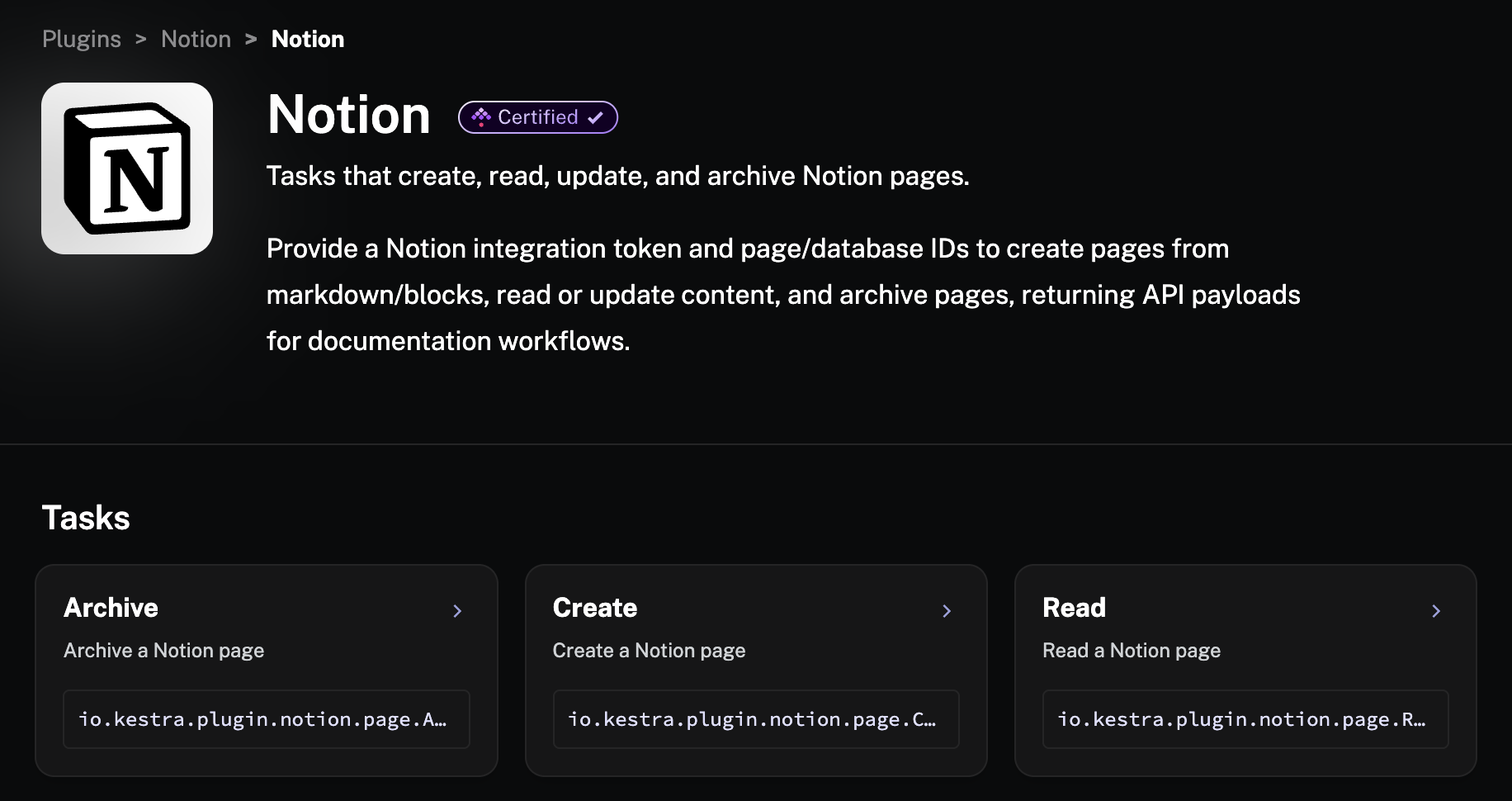
Developed four primary tasks: Create (pages from markdown/blocks), Read (retrieve page content), Update (modify existing pages), and Archive (mark pages as archived). Each task is fully documented with examples.
API Integration
Integrated with Notion's REST API, handling authentication, pagination, rate limiting, and error responses. Implemented proper retry logic and timeout handling for production stability.
Data Modeling
Created Java models for Notion's block types, page properties, and database schemas. Balanced flexibility with type safety to provide a clean API for workflow authors.
Output Handling
Designed task outputs to return useful information (page IDs, URLs, content) that can be used by downstream tasks in workflows, enabling complex automation scenarios.
Plugin Architecture
The plugin follows Kestra's task-based architecture, with each operation exposed as a separate task that can be composed in workflows:
io.kestra.plugin.notion.page.Create
Creates Notion pages from markdown content or structured blocks. Supports parent page/database specification, rich property values, and returns the created page ID and URL for downstream use.
io.kestra.plugin.notion.page.Read
Retrieves page content as structured data or markdown. Enables workflows to process Notion content, extract information, or sync documentation to other systems.
io.kestra.plugin.notion.page.Archive
Archives pages based on workflow conditions. Useful for cleaning up temporary documentation, archiving completed project pages, or maintaining documentation lifecycle.
Quality Assurance
Beyond implementing the plugin, I conducted comprehensive QA testing to ensure production readiness:
- •Functional Testing: Verified all tasks work correctly with various page types, content structures, and database configurations
- •Integration Testing: Tested the plugin in real Kestra workflows, ensuring proper task chaining, output handling, and error propagation
- •Edge Cases: Validated behavior with edge cases including empty pages, malformed content, permission issues, and API rate limits
- •Documentation Verification: Ensured all examples in the documentation work correctly and demonstrate common use cases effectively
This comprehensive QA process caught several subtle issues before release, including character encoding edge cases, timezone handling inconsistencies, and improvements to error messages that significantly enhanced the user experience.
Use Cases
The plugin enables several powerful workflow automation scenarios:
Living Documentation
Automatically update Notion pages with pipeline status, data quality metrics, or execution summaries. Keep documentation synchronized with actual workflow state.
Incident Reporting
Create Notion pages automatically when workflows fail or detect anomalies, including context, logs, and debugging information for rapid incident response.
Data Cataloging
Maintain a Notion database of data assets, automatically updating schemas, lineage information, and quality metrics as workflows process data.
Report Generation
Generate formatted reports from workflow outputs, creating structured Notion pages with visualizations, tables, and analysis for stakeholder communication.
Technical Challenges
Several technical challenges required careful consideration during implementation:
Block Structure Complexity
Notion's block-based content model is highly flexible but complex. I needed to design an API that supports both simple markdown input (for common cases) and full block composition (for advanced scenarios) without overwhelming users.
Authentication Flow
Implementing secure credential handling within Kestra's secret management system while ensuring the plugin works seamlessly with Notion's OAuth and internal integration tokens required careful design of the authentication layer.
Rate Limit Handling
Notion's API has rate limits that vary by plan and operation type. The plugin implements intelligent retry logic with exponential backoff, respecting rate limit headers while maintaining workflow reliability.
Impact & Results
The Notion plugin expands Kestra's integration ecosystem, enabling users to bridge operational workflows with team collaboration tools. It demonstrates:
- •Full-Stack Capability: Complete ownership from Java implementation through QA and documentation
- •API Integration Expertise: Deep understanding of REST API design, authentication patterns, and error handling
- •Quality Focus: Thorough testing and documentation ensuring production-ready software
The plugin is now certified within Kestra's plugin ecosystem and available for all users, with comprehensive documentation and examples demonstrating common automation patterns.
Key Learnings
Building this plugin end-to-end provided valuable technical insights:
- •API Design Trade-offs: Balancing simplicity for common cases with power for advanced scenarios requires careful API design and progressive disclosure
- •Error Messages Matter: Investing time in clear, actionable error messages significantly improves the developer experience when things go wrong
- •Testing Depth: Comprehensive QA uncovered edge cases that wouldn't have been found through basic testing, preventing production issues
- •Documentation is Code: Well-documented examples are as important as the implementation—they define the user experience
Try the plugin
Explore the complete documentation and examples to start automating Notion in your workflows.