Kestra Playground
An iterative workflow development feature enabling developers to build and test workflows one task at a time. Reimagining how engineers develop data pipelines.
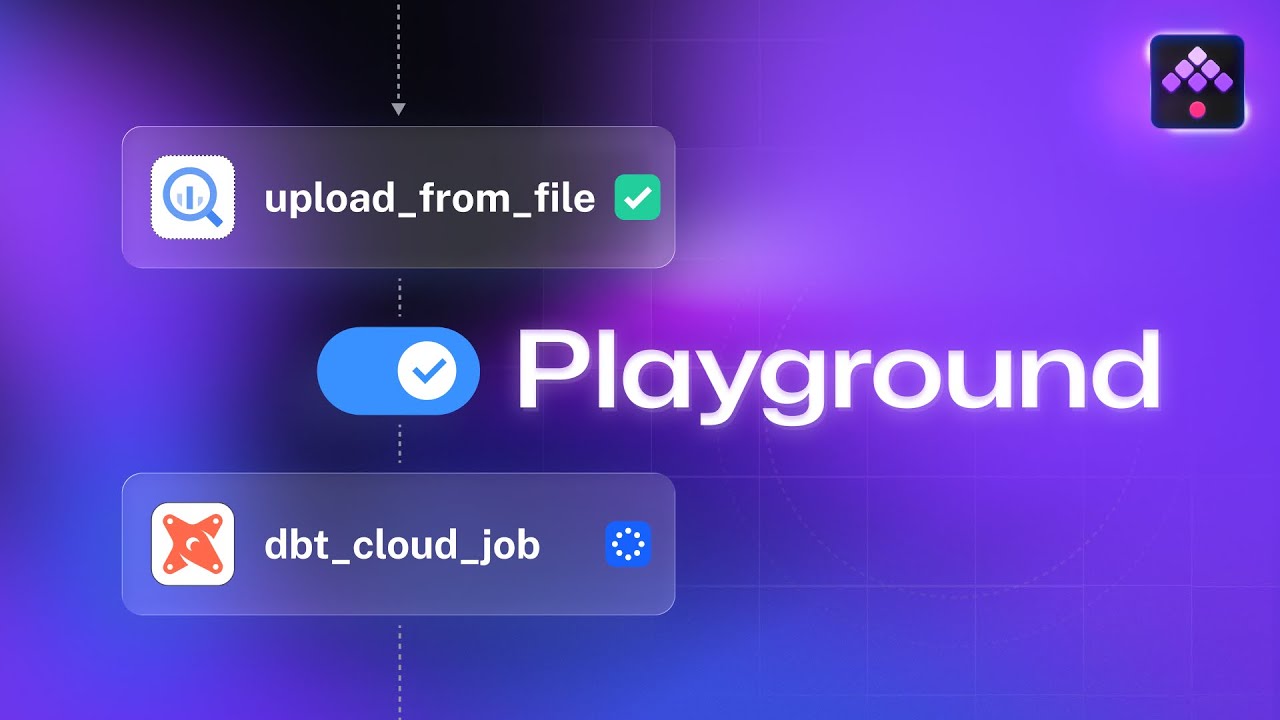
Overview
The Kestra Playground emerged from observing a fundamental friction in workflow development: developers were forced to repeatedly execute entire workflows just to test a single task. This meant waiting for upstream tasks to complete, consuming resources unnecessarily, and making the development cycle painfully slow.
I conceptualized and led the design of this feature from initial idea through to implementation, working closely with the engineering team to create an experience that would fundamentally change how developers build data pipelines in Kestra.
My Role
Product Conceptualization
Detailed the core idea and value proposition, identifying the key pain points in workflow development and defining how the Playground would solve them.
UX Direction & Design
Directed the designer on user experience requirements and visual design direction, ensuring the interface clearly communicated the Playground's iterative development model.
Engineering Coordination
Organized work with the development team, proposed the first iteration scope, and maintained alignment between design intent and technical implementation throughout the project.
Initial Design Proposals
Created first iteration designs and interaction patterns that would balance power-user functionality with approachability for developers new to the platform.
The Problem
Traditional workflow development in orchestration platforms suffers from a critical inefficiency:
- •Testing a single task requires executing the entire workflow from start to finish
- •Developers waste time waiting for upstream tasks to complete before seeing results
- •Resource consumption increases unnecessarily during development iterations
- •No way to inspect intermediate outputs without modifying workflow code
- •Development logs mixed with production execution history creates confusion
This creates a frustrating feedback loop where simple changes require disproportionate time and effort to validate. I wanted to eliminate this friction entirely.
Design Vision
The core insight was to treat workflow development more like interactive coding: developers should be able to build incrementally, testing each piece before moving on to the next.
Key Design Principles
- →Incremental execution: Run one task at a time, reusing previous outputs
- →Visual clarity: Make it obvious which tasks have been executed and which are pending
- →Execution history: Preserve recent runs so developers can review earlier outputs
- →Clear separation: Keep playground executions isolated from production logs
- →Power-user flexibility: Support batch operations for experienced users
I directed the design team to emphasize the "play" button as the primary interaction—making it instantly clear that this was a space for experimentation and iteration, not production execution.
Key Features
Task-by-Task Execution
Developers can click "Play" on any task to execute just that task, with subsequent tasks automatically reusing outputs from previously executed upstream dependencies.
Execution History
The system maintains up to 10 recent playground runs, enabling developers to review outputs from earlier iterations without re-executing tasks.
Batch Operations
Advanced options allow users to "Run all tasks" or "Run all downstream tasks" for faster validation once individual tasks are working correctly.
DAG Awareness
The playground respects workflow DAG structure, ensuring tasks can only run when their dependencies are satisfied—preventing confusing execution errors.
Isolated Execution Context
Playground runs are kept separate from production execution logs, ensuring developers can experiment freely without cluttering operational history.
Design Decisions
Why task-by-task instead of full workflow debugging?
Full workflow debugging tools are complex and add cognitive overhead. By focusing on incremental execution, we reduced the feature to its essential value proposition: fast iteration on individual tasks.
Why limit execution history to 10 runs?
Unlimited history creates storage and performance concerns. Ten runs proved sufficient for typical development workflows while keeping the implementation pragmatic.
Why auto-reset on flow-level changes?
Modifying flow-level properties like inputs or variables invalidates previous task runs. Automatic reset prevents developers from working with stale or inconsistent state.
Why separate from production execution logs?
Mixing development iterations with production runs creates confusion and makes operational monitoring difficult. Clear separation maintains signal clarity in both contexts.
Impact
The Playground fundamentally changed how developers build workflows in Kestra. Instead of the traditional cycle of edit-save-run-wait-review, developers can now work iteratively, building confidence in each task before moving to the next.
This feature was released in Kestra 0.24.0 and has become a core part of the platform's development experience. The Playground exemplifies my approach to product design: identifying fundamental workflow friction, proposing elegant solutions, and coordinating across design and engineering to deliver intuitive, powerful features.
Technology Context
Kestra is an open-source orchestration platform for building data pipelines and workflows. The Playground feature required coordination across:
- •Frontend: React-based UI with real-time execution status updates
- •Backend: Java-based orchestration engine with DAG execution logic
- •Storage: Execution state management and output caching
- •API: REST endpoints for triggering individual task execution
Interested in the Playground?
Check out the documentation to see how it works.