The New Printer
A lightweight CLI tool that transforms web articles into print-ready PDFs with magazine-style aesthetic. Because reading on paper just feels better.
Overview
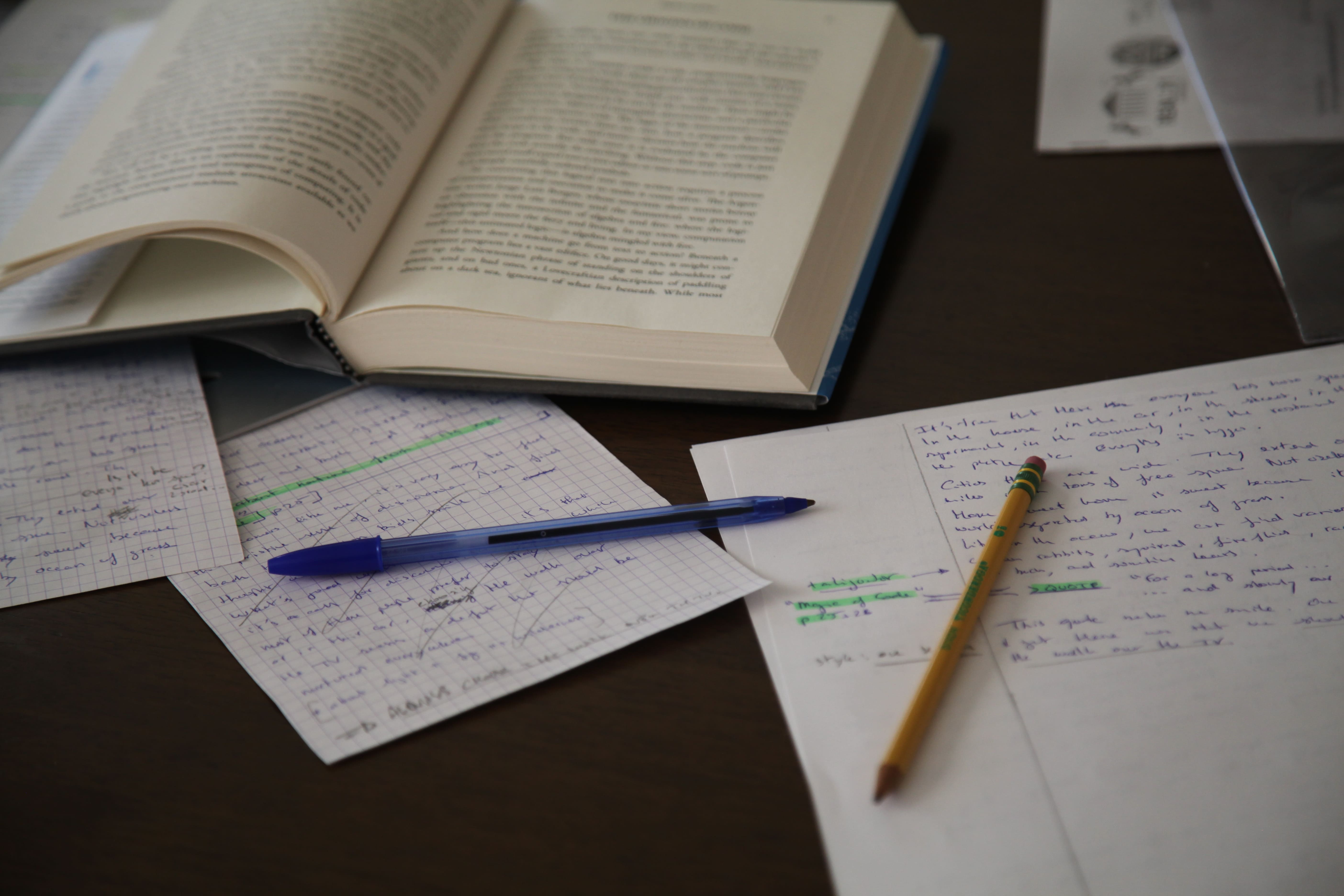
The New Printer emerged from a simple observation: despite the convenience of digital reading, there's something irreplaceable about engaging with text on paper. It's slower, more deliberate, and allows for a different kind of focus that screens rarely afford.
Rather than building yet another read-it-later app or simple PDF generator, I wanted to create something that honored the craft of print design. The goal was to transform web articles into documents that felt like they belonged in a curated magazine collection—something you'd actually want to print, bind, and keep.
The Problem
As someone who regularly reads blog posts, essays, and newsletters, I found myself constantly battling with the limitations of digital reading:
- •Browser "Print to PDF" features produce poorly formatted, inconsistent results
- •Most websites aren't optimized for print, with navigation, ads, and other clutter
- •Generic PDF converters lack the typographic sophistication for comfortable reading
- •No easy way to batch process articles for a curated print collection
I wanted a tool that could extract just the content that matters and present it with the same care and attention to detail as a professionally designed magazine.
Technical Approach
The system operates through a clean processing pipeline that prioritizes reliability and quality at each stage:
Content Extraction
Dual-extraction strategy using Trafilatura as the primary engine with Readability as fallback. This maximizes compatibility across diverse website structures.
Document Processing
Pandoc handles the conversion from markdown to LaTeX, with custom templates controlling the final styling and layout.
Typography
LaTeX's superior typographic capabilities enable precise control over font rendering, spacing, and layout elegance.
CLI Interface
Built on Click framework, emphasizing simplicity for basic usage while providing advanced options for power users.
Key Features
Multi-Template System
Two primary templates serve different reading preferences: a clean article layout and a magazine-style two-column format inspired by publications like The New Yorker.
Intelligent Image Handling
Automatic image optimization for print addresses practical concerns about file sizes and print quality without manual intervention.
Batch Processing
Convert multiple articles simultaneously via URL lists, perfect for creating curated collections or processing reading lists.
Flexible Configuration
YAML configuration file support (.new-printer.yml) allows customization of defaults without modifying each command invocation.
Design Decisions
Why LaTeX over simpler PDF generators?
While HTML-to-PDF converters are easier to implement, they lack the typographic sophistication needed for comfortable long-form reading. LaTeX has been the gold standard for academic and professional typesetting for decades, offering unmatched control over layout, spacing, and font rendering.
Why a CLI tool instead of a web service?
The target audience—developers and technical readers—are already comfortable with command-line tools. A CLI also means no server costs, no data privacy concerns, and complete local control over processing.
Multiple installation methods
Supporting uvx for one-time usage, uv tool install for system-wide access, and traditional pip installation ensures the tool is accessible regardless of users' Python environment preferences.
Results & Impact
The New Printer represents a deliberate counterpoint to digital-native information management. It enables a specific workflow: discovering articles online, printing curated selections, annotating on paper, and archiving in physical form.
The project has found resonance among readers who value physical engagement with long-form content. Released as open source under the MIT license, it serves both as a practical tool and as a demonstration of how modern automation can enhance rather than replace traditional media experiences.
Technology Stack
Interested in the project?
Check out the source code and documentation on GitHub.